- Daily Success Snacks
- Posts
- 5 Brutal Truths: Your Qlik Sense Filters Are Quietly Breaking Your KPIs
5 Brutal Truths: Your Qlik Sense Filters Are Quietly Breaking Your KPIs
If your KPI changes with a click... it was never a KPI.

Glenda Carnate
March 19, 2026
Read time: 2.5 minutes
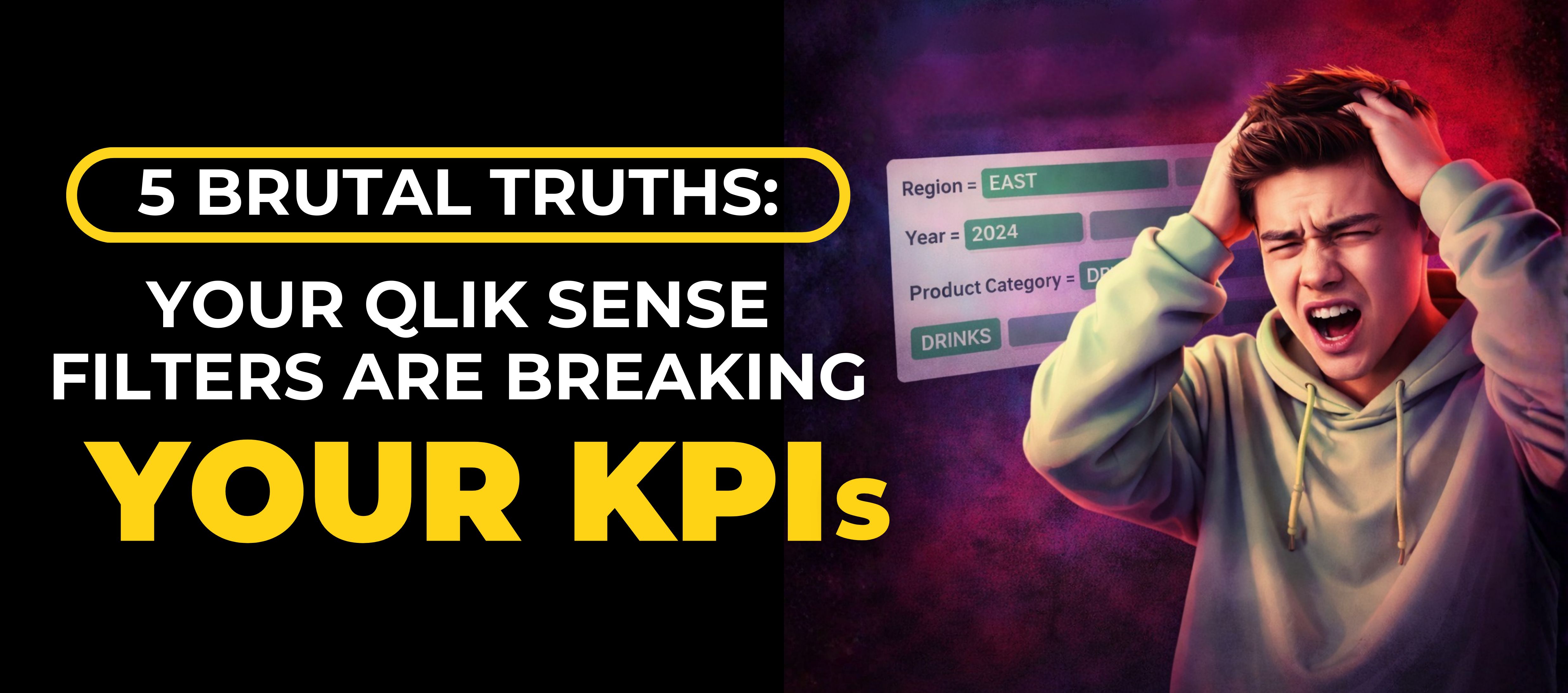
Here's the uncomfortable truth: Your selections break KPIs, not Qlik Sense.
A team may have strong revenue growth with good trends, only for a filter click to change all of that by dropping numbers, changing comparisons, and telling a different story.
So what's the right number? Both yes and no.
The truth is, there were many truths hidden behind the selections, and there was no breakage of the application... the application was always weak.
In Qlik, every click will affect the context of your KPIs, as they are themselves subject to change, which means that they are negotiable.
Correcting Damaged Key Performance Indicators in Qlik Sense:
1. Control Your Selections
The significance of every click is altered.
• Be careful when using alternate states.
• Limit access to filter panes on executive pages.
• Create default bookmarks to start viewers in the "right" location.
2. Make Selections Unmistakable
Users should not have to determine context by guessing.
• Utilize GetFieldSelections(), a function that we can use to display dynamic stat titles or subtitles depending on the context of the selections made by end-users.
• Display a selection summary.
• Show filter cards for the current state that can be seen.
3. Distinguish between a Fact and an Exploration
Key performance indicators (KPIs) do not change frequently and/or with little justification.
• Use set analysis to lock down what the definition of Key Performance Indicator (KPI) is.
• Build separate pages for KPIs vs. Exploration/Discovery.
• Keep the executive metrics 'set' in relation to selections.
4. Build to Support Decisions - Not Exploration
Executives need simple situations, not many clicks.
• Generate bookmarks (scenarios) for Executive leaders.
• Create Executive-specific pages.
• Compare metrics using Fixed Comparison (actual vs. planned), month-to-month (MoM) and top drivers.
5. Strengthen the Base
If your model changes based on the selection, it is weak.
• Develop an appropriate star schema model.
• Refrain from using synthesized keys.
• Do not include circular references.
• Use stable master measure.
💡Key Takeaway:
If the KPI changes when you make a selection, then it’s not a KPI but rather a different perspective.
👉 LIKE this if you have ever experienced a Qlik dashboard changing during a meeting.
👉 SUBSCRIBE now for additional content and resources to help you create reliable, not just interactive, data with this technology.
👉 Follow Glenda Carnate for more great content on Qlik Sense, data modeling, and dashboarding with the goal of giving you tools that allow you to make decisions first.
Instagram: @glendacarnate
LinkedIn: Glenda Carnate on LinkedIn
X (Twitter): @glendacarnate
👉 COMMENT about the most difficult choice you have had to make regarding filtering projects in your dashboard.
👉 SHARE this with people you know who still think that they can rely on every number represented in their Qlik apps.
Reply