- Daily Success Snacks
- Posts
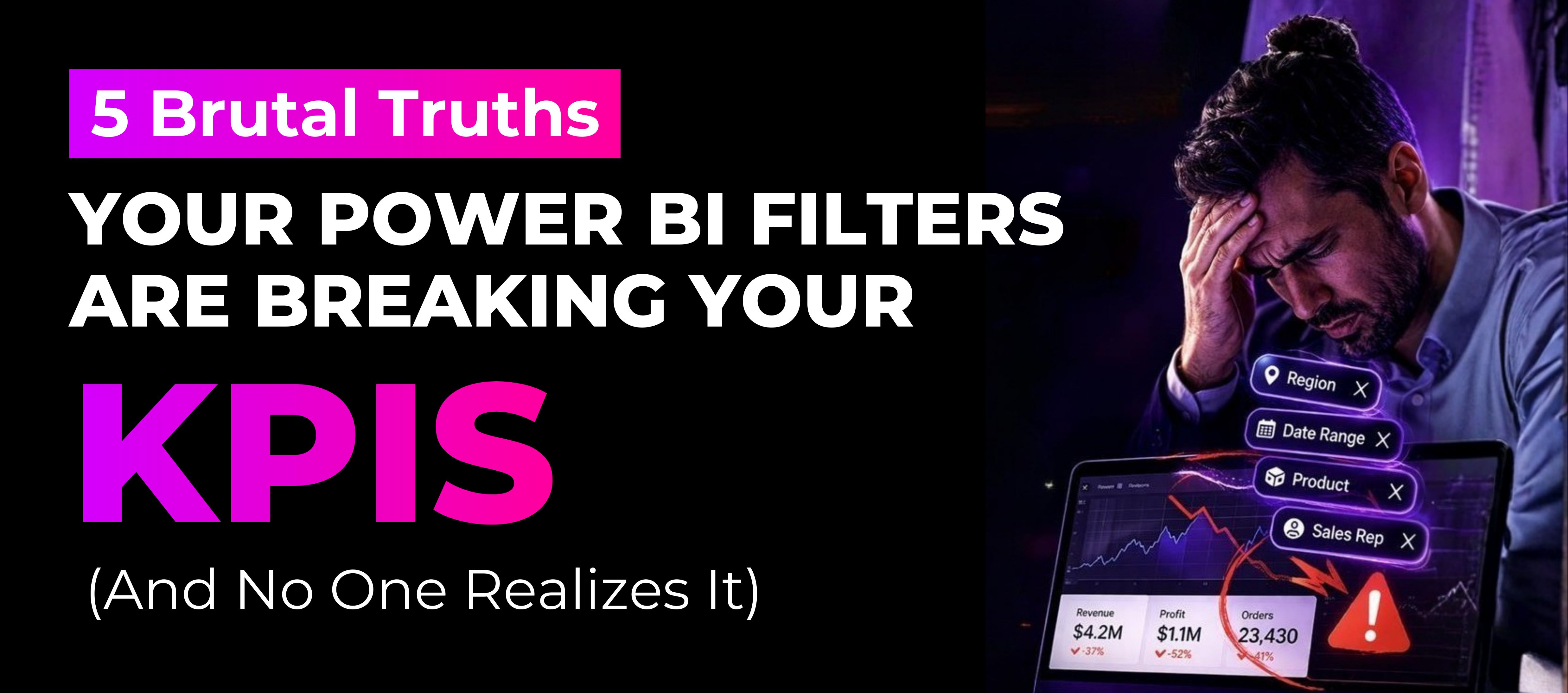
- 5 Brutal Truths: Your Power BI Filters Are Quietly Breaking Your KPIs
5 Brutal Truths: Your Power BI Filters Are Quietly Breaking Your KPIs
If your KPIs change when someone clicks a slicer... you don’t have insights. You have instability.

Glenda Carnate
March 19, 2026
Read time: 2.5 minutes
The bitter reality that nobody wants to face: a dashboard doesn't quit working on the screen; it quits working through filters.
You may have witnessed this: A team is giving a report. Revenue has gone up; all is good. Then someone hits a slicer, simply to see what would happen, and now the revenue is down, conversions have changed, and the trends have completely reversed.
Confusion ensues. Which number is right? They are both right and wrong.
What was perceived to be a single source of truth turned out to be multiple instances of truth, all hidden behind filters. The report was not “broken” at that moment; it was broken before it was ever started.
A filter not only changes what you see, it also changes what you think you see. That is how the trust in the dashboard was lost without anyone realizing it.
How to Repair KPI Problems Before Loss of Trust Occurs
1. Eliminate Clicking Chaos
Each slicer presents a risk.
• Disable An Unneeded Interaction.
• Synchronize Slicers Across Pages.
• Use Default Bookmarks to Restore State to the Initial State.
2. Make Filters Visible
Users should never have to guess the Context.
• Create Dynamic Titles Using SELECTEDVALUE.
• Provide the Filter Summary Cards.
3. Differentiate between Truth And Exploration
KPIs should remain consistent with each click.
• Use CALCULATE() with the Needed Filter Scheme Fixed With Each KPI.
• Separation Of Pages Between KPIs And Analysis.
4. Develop For Decision-Making Executives
Executives need answers, not tools.
• Create Scenario-Based Bookmarks.
• Create Additional Executive Views.
• Provide Fixed Amount Comparisons (Month Over Month, As Planned Versus Actual).
5. Improve The Data Model
If filters create distorted meaning, correct the foundation.
• Utilize Star Schema.
• Clean Dimension Tables.
• Apply REMOVEFILTERS() Where Necessary.
💡Key Takeaway:
If you can change your KPI by clicking a button, then it wasn't really a KPI.... you were looking at it from the wrong perspective.
👉 LIKE this if there has been any time during a meeting you've asked yourself, "What does this number on my dashboard mean?"
👉 SUBSCRIBE now for actionable insights that make your data reliable, not just visually pleasing.
👉 Follow Glenda Carnate for more information about Power BI, data modeling and decision-making analytics.
Instagram: @glendacarnate
LinkedIn: Glenda Carnate on LinkedIn
X (Twitter): @glendacarnate
👉 COMMENT below with the dumbest thing you've ever seen on a dashboard.
👉 SHARE this with someone who believes everything they see on their dashboard is accurate.
Reply