- Daily Success Snacks
- Posts
- “Can You Make Power BI Look Like Excel?” — Then Why Use Power BI at All?
“Can You Make Power BI Look Like Excel?” — Then Why Use Power BI at All?
Most teams don’t fail at Power BI because it’s hard—they fail because they refuse to use it differently.

Glenda Carnate
April 24, 2026
Read time: 2.5 minutes
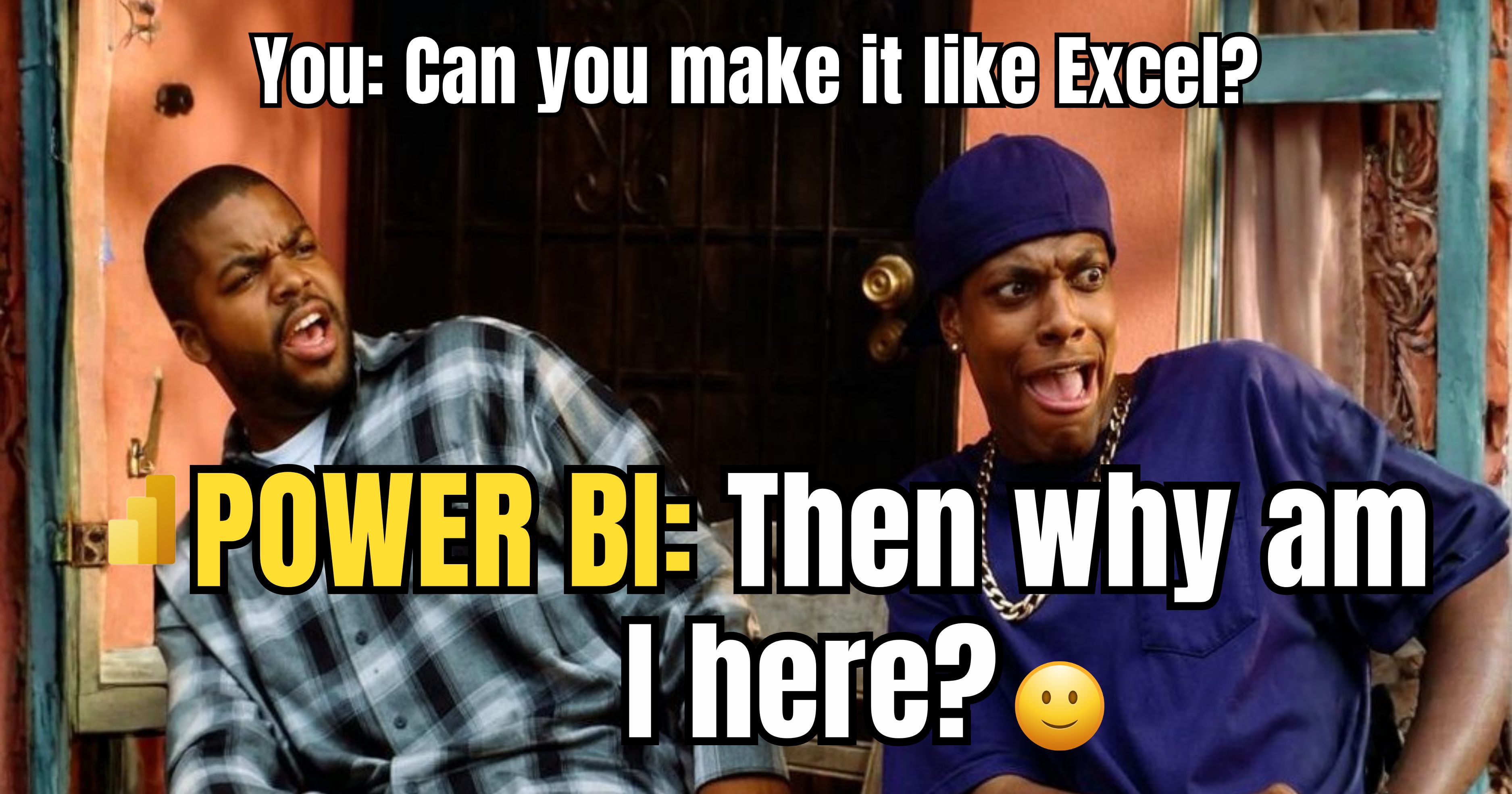
A stakeholder looks at a Power BI report and states, “Can you design it like Excel?”
The team responds with a nod. Tables are added, filter total increases and layouts resemble a spreadsheet.
It’s familiar, but usage decreases, performance declines, and decisions are delayed. Not an individual item is broken but rather the entire reason that the tool was developed.
How "Excel-ifying" Power BI has a Quietly Destructive Effect on Value
1. Familiarity Equals Safety… But destroys the ability
Excel = manual & cell-based thinking.
Power BI = model-driven & interactive decisions.
Copying Excel from the existing tool undermines the value the new tool offers.
2. A Table of Data Does NOT Equal An Insight
That is, there are no endless rows to create actions.
When users see a continuous scroll… they do not make any decisions.
Transition from showing data… to promoting Decisions
3. You are Designing for Comfort vs. Results
"Make it look like Excel" = Less Friction
Less friction can lead to less impact from your design.
Transition from familiar layouts vs. Intentional Design
4. If You Force an Incorrect Pattern, Performance Will Suffer
Too Many Visuals on a Single Page
Too Much Detail on a Single Page
Poorly Structured Pages
If Power BI is treated like a spreadsheet, it will experience performance issues.
5. You Have Trained the Users to Want the Wrong Thing
If they want Excel, they will keep asking for Excel.
If you provide them with a view of the decision, they will begin to use it.
Transition from replication to re-education.
💡Key Takeaway:
If your Power BI looks like an Excel spreadsheet, you have not modernized… you have just re-created your issue in a different system.
👉 LIKE if you’ve been asked to “just make it like Excel”.
👉 SUBSCRIBE now for quick, actionable insights on Business Intelligence, Artificial Intelligence, and Data Systems.
👉 Follow Glenda Carnate for no-fluff breakdowns that actually improve dashboards.
Instagram: @glendacarnate
LinkedIn: Glenda Carnate on LinkedIn
X (Twitter): @glendacarnate
👉 COMMENT “EXCEL” if you’ve had this exact conversation.
👉 SHARE this with someone who is turning Power BI into a spreadsheet.
Reply